Project Description

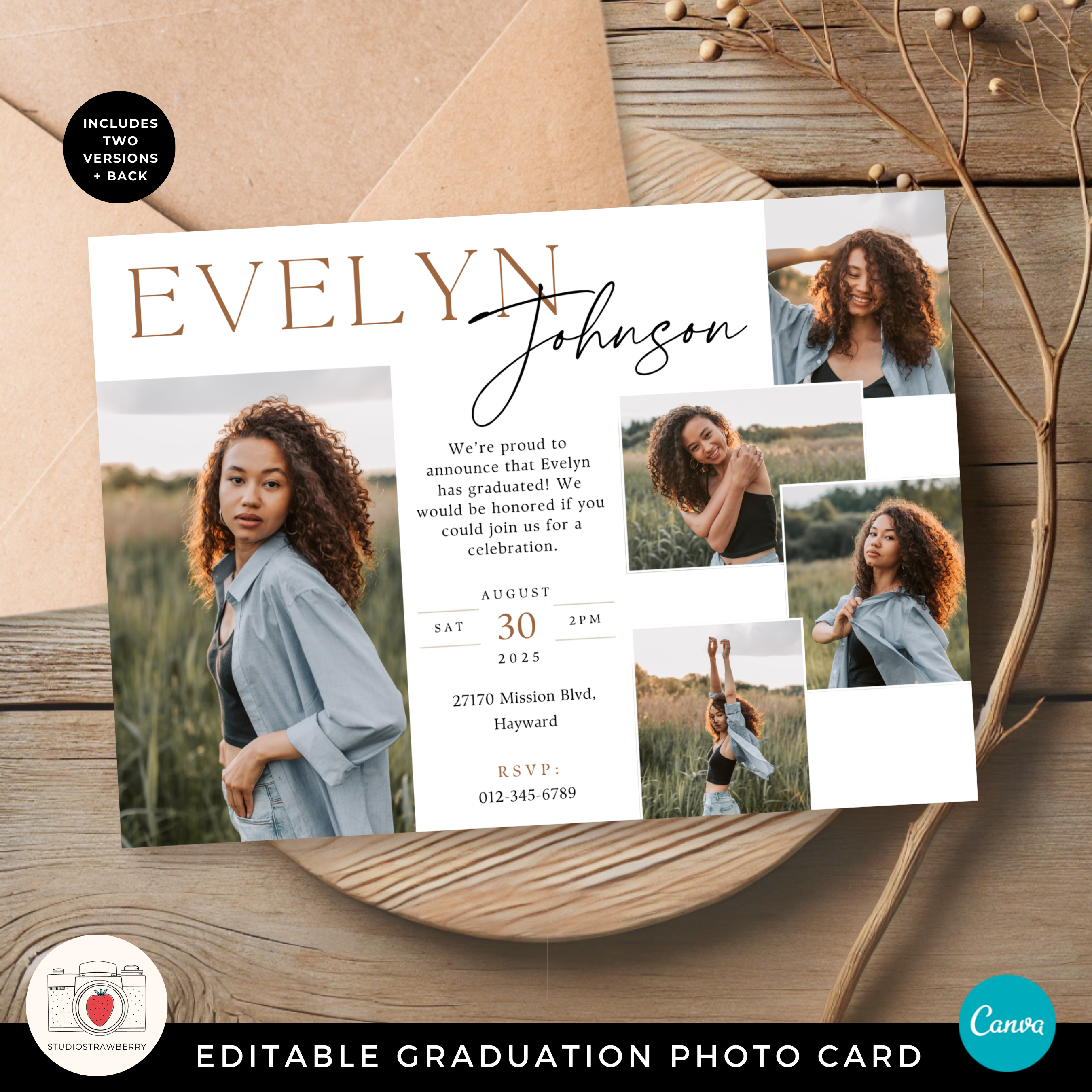
Celebrate this milestone with a modern graduation announcement card designed to showcase your favorite senior photos in a clean, elegant layout. This editable horizontal graduation photo card allows you to create a personalized graduation invitation or announcement that feels polished and meaningful.

Whether you are announcing a high school graduation or planning a college graduation party, this Class of 2026 graduation card makes it easy to share the moment with family and friends.

What This Graduation Invitation Template Includes

  • Horizontal graduation photo card layout
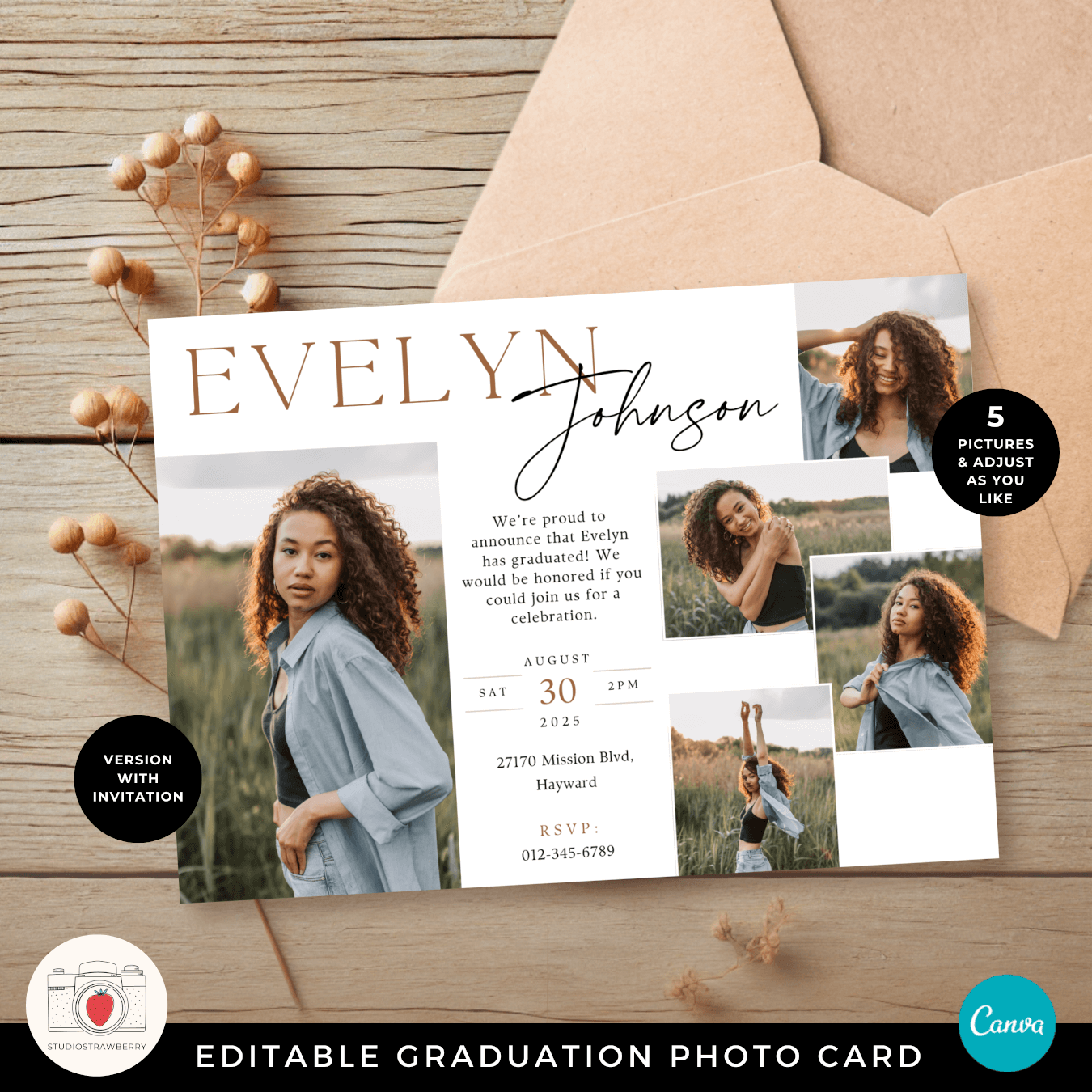
  • Space for five images
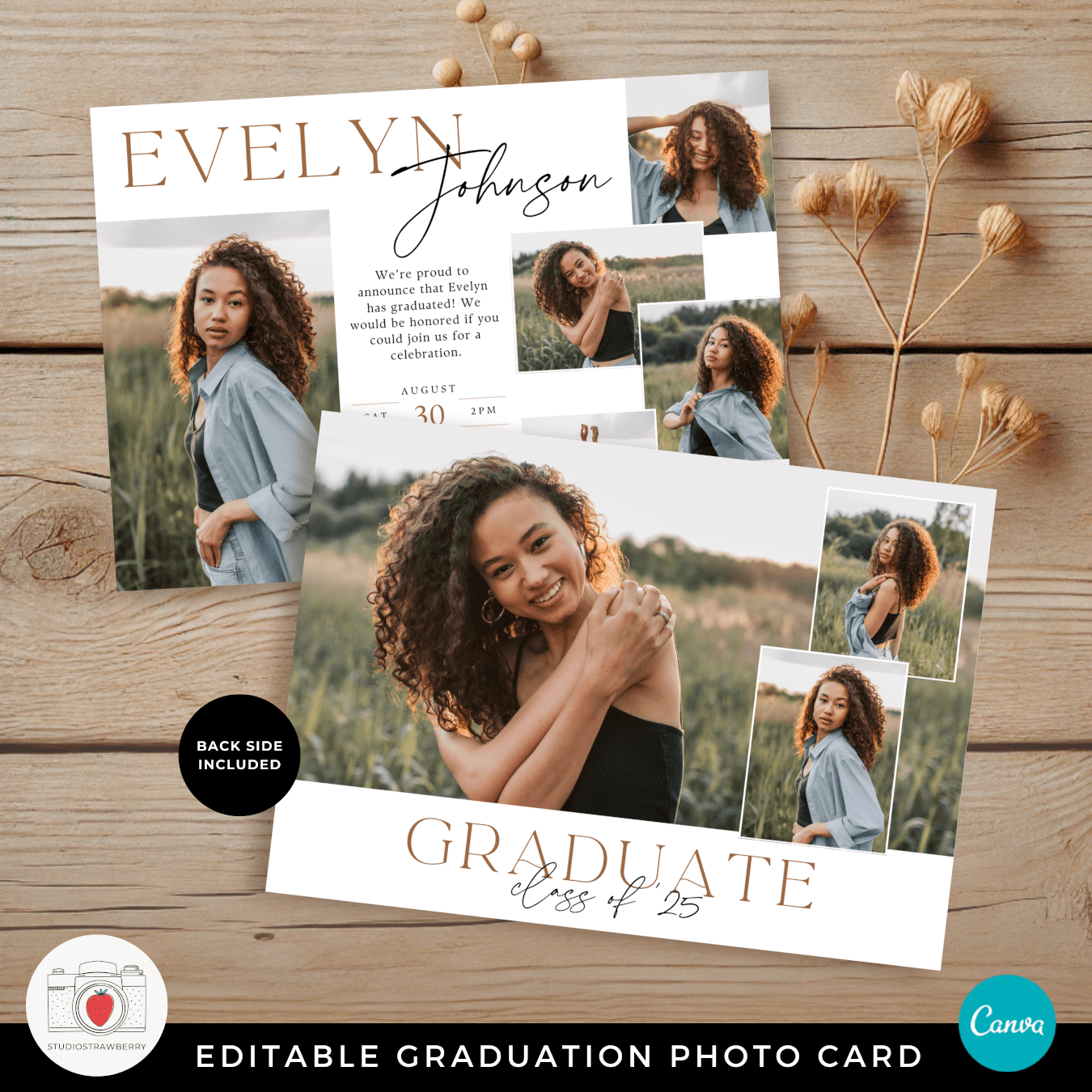
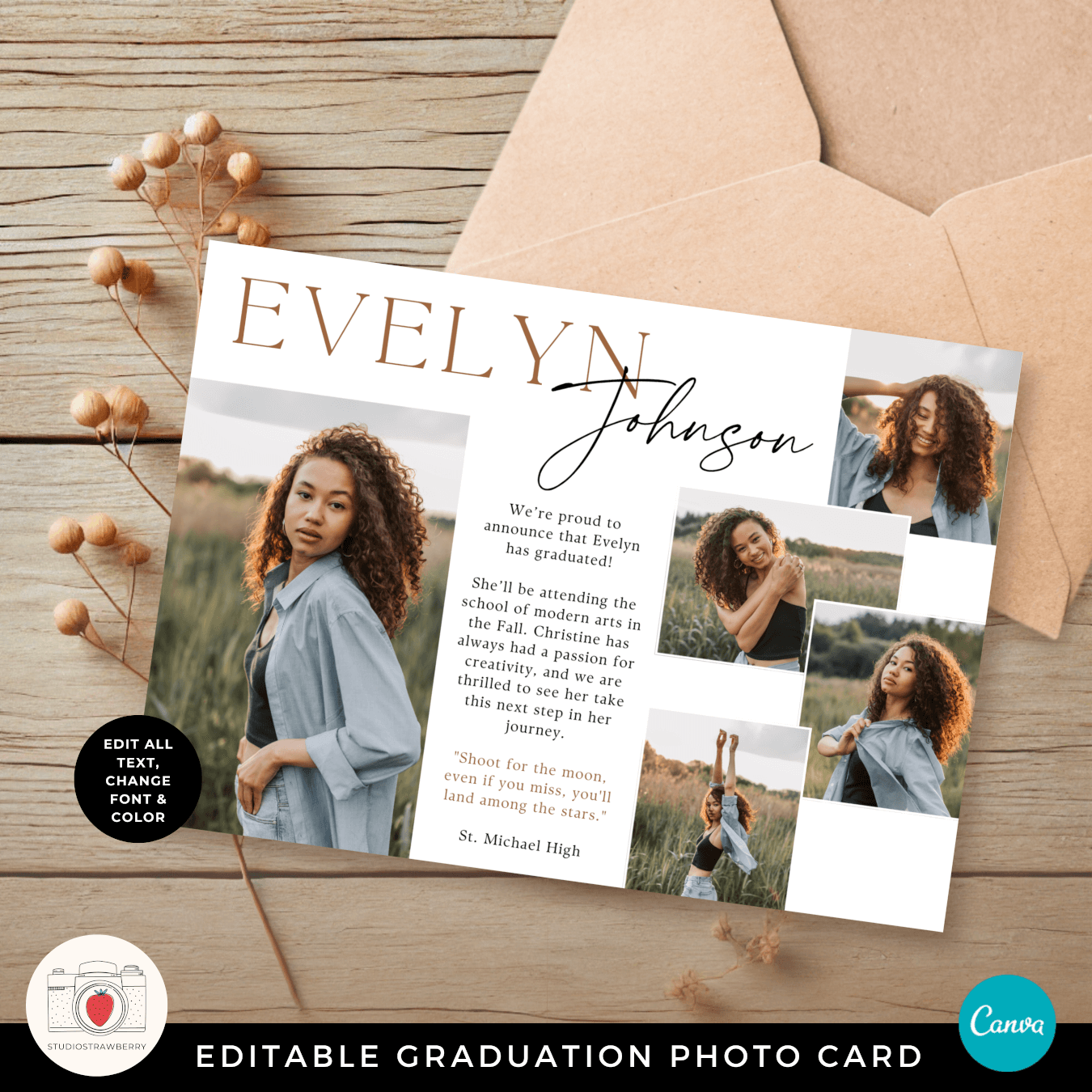
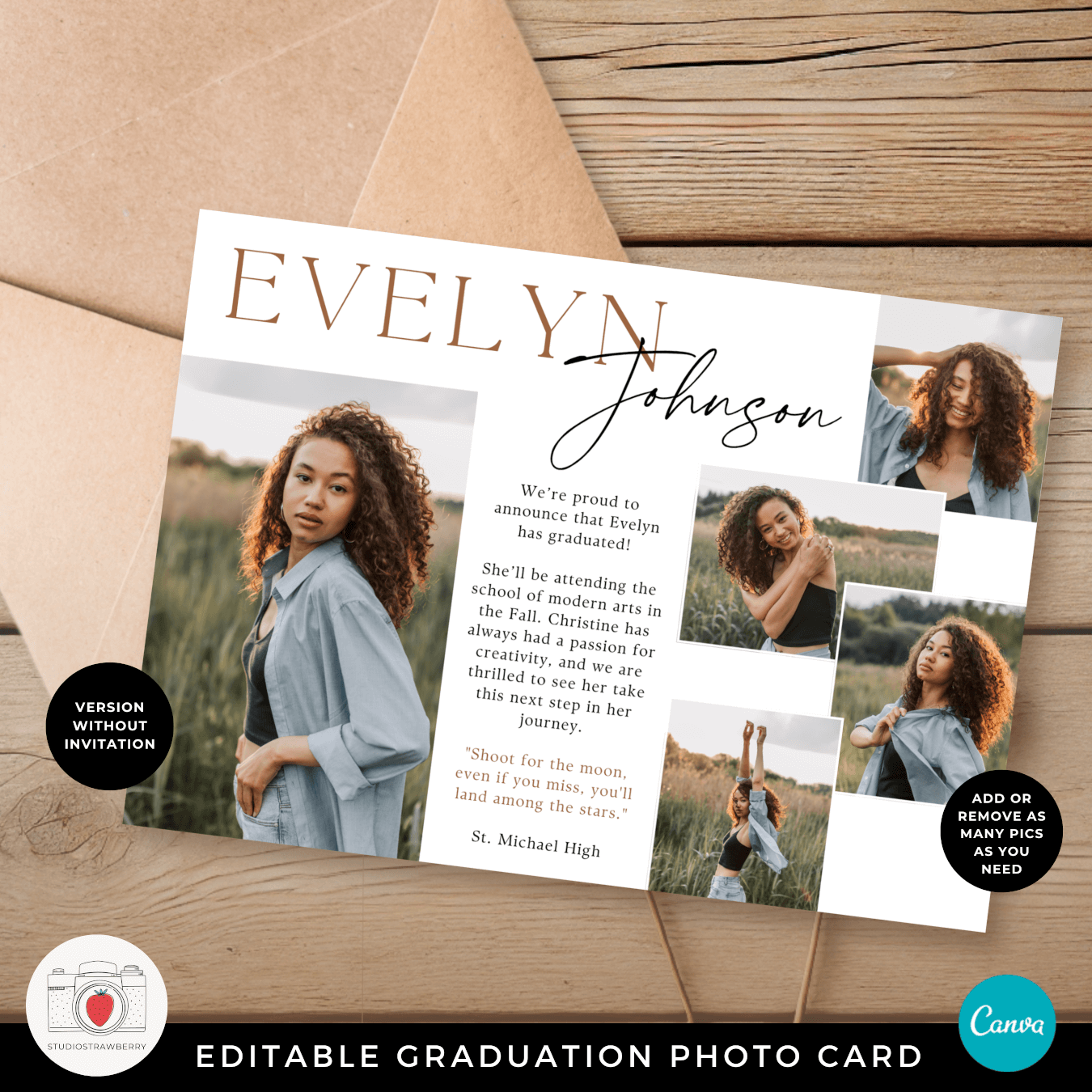
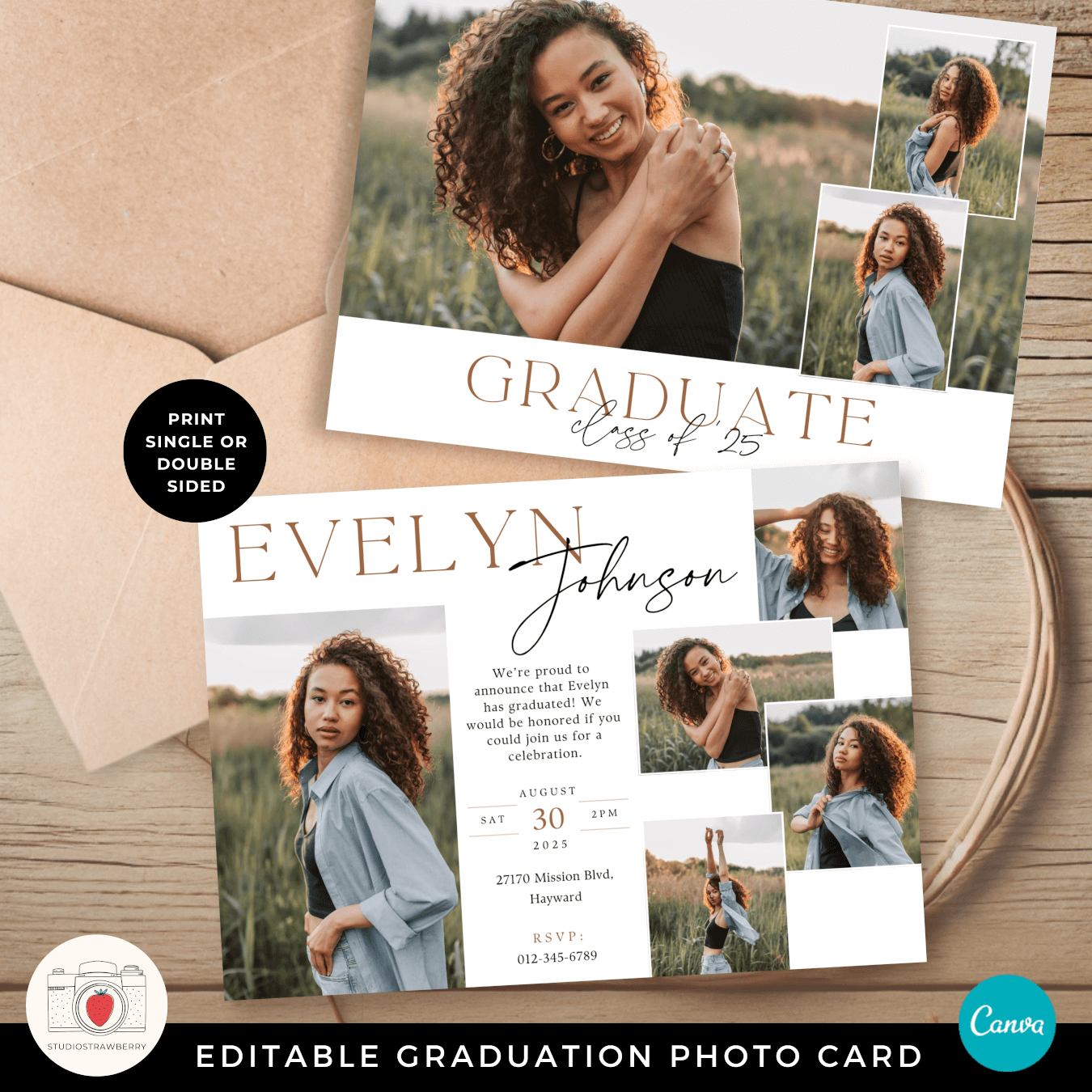
  • Two versions included; announcement and invite to a celebration
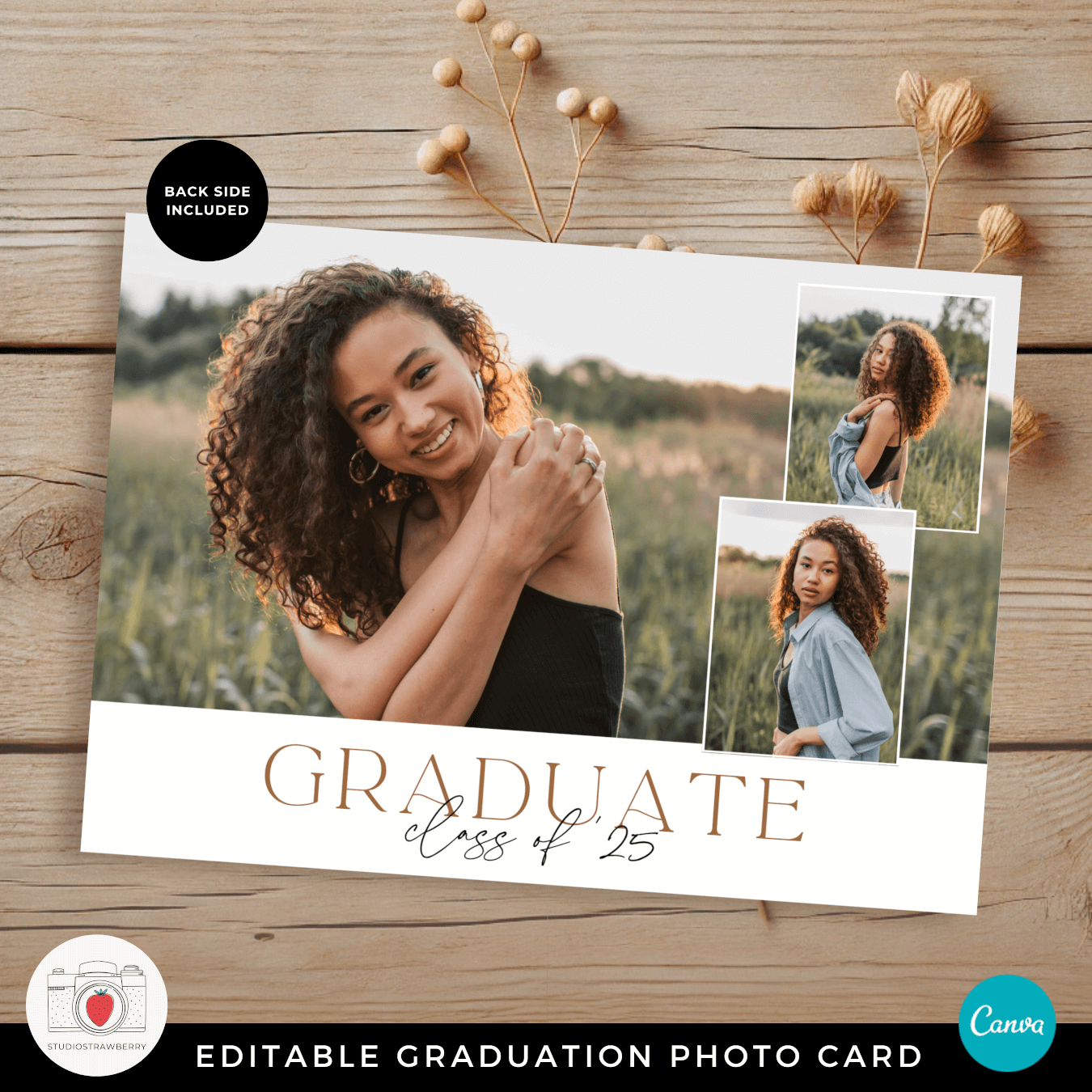
  • Coordinated back side design
  • Fully editable text, fonts, and colors
  • Instant digital download

The layout combines one larger feature image with smaller supporting photos, creating a balanced photo collage graduation announcement that feels both modern and timeless.

Who This Editable Graduation Card Is For

This graduation invitation template is ideal for:

  • High school seniors (Class of 2026 and beyond)
  • College graduates
  • Parents creating a graduation announcement for their child
  • Graduates who want a horizontal photo collage layout

The neutral and elegant design works well for a wide range of senior portraits, from outdoor golden-hour sessions to studio photography.

When to Use This Graduation Photo Card

This graduation invitation with photos can be used as:

  • A mailed graduation announcement
  • A graduation party invitation
  • A senior photo graduation card
  • A digital graduation announcement shared online
  • A graduation keepsake for family members

You can print and mail it, hand it out at your celebration, or send a digital version to friends and relatives who live far away.

Easy to Edit in Canva (Beginner-Friendly)

This template is editable in Canva. Canva is a free online design editor that works in your web browser or in the free mobile app. You do not need to download any special software.

If you are thinking, “I’m not technical,” this template was created with simplicity in mind.

How It Works – Step by Step

  1. Download your template link after purchase.
  2. Open the design in Canva (a free account works).
  3. Upload your graduation photos.
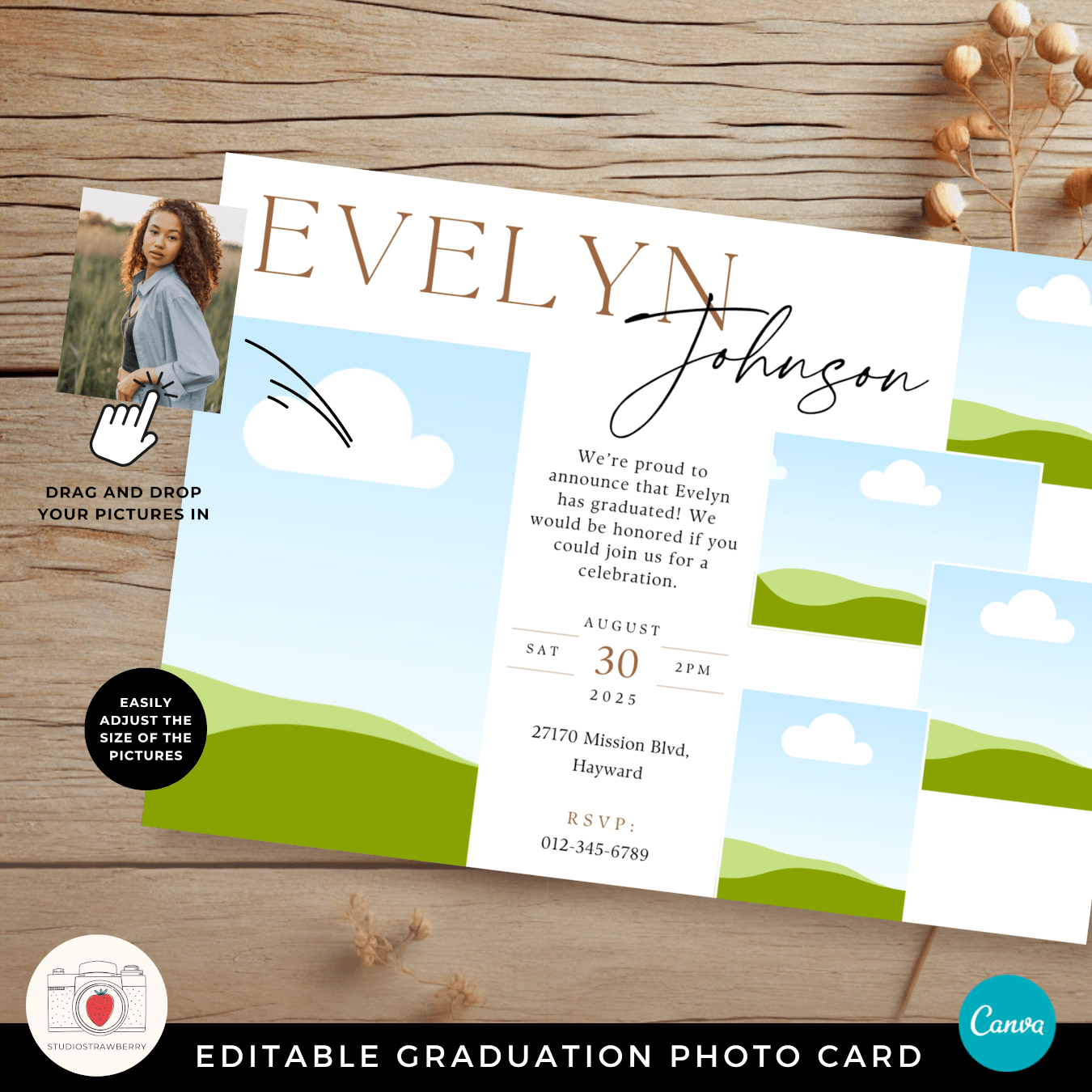
  4. Drag and drop your images into the photo frames.
  5. Edit the name, date, time, and location details.
  6. Download your completed graduation announcement.

The spacing, alignment, and typography are already professionally arranged. You only need to personalize the content.

Why This Is Practical for Busy Graduates and Parents

Creating a graduation invitation from scratch can feel overwhelming. Choosing fonts, arranging photos, and aligning text takes time and patience.

This ready-made graduation photo collage template removes that guesswork. The structure is already in place, allowing you to focus on selecting meaningful photos and updating the details.

The result looks custom and intentional, without requiring design experience.

Printing Your Graduation Invitations

You can print this graduation announcement at home or through a professional printer.

  • Download as PDF Print for the highest quality.
  • Print at local print shops such as Staples, Office Depot, Walgreens, CVS, or Costco.
  • Choose your preferred paper type, such as matte, glossy, or thick cardstock.

You may also export as a JPG or PNG file for digital sharing through email or social media.

Clean, Elegant, and Timeless Design

This modern graduation invitation features elegant typography and a balanced horizontal layout. The combination of a large portrait with multiple smaller images creates a professional photo collage graduation card that highlights different moments from the senior year.

The design works beautifully for both high school and college graduation celebrations, making it a versatile option for different milestones.

Fully Customizable and Flexible

You can:

  • Edit all text fields
  • Adjust fonts if desired
  • Change colors to match your theme
  • Add or replace photos
  • Choose between two front versions

No graphic design background is required. Everything is edited with simple drag-and-drop tools inside Canva.

This editable graduation announcement template is designed to make the process smooth, especially if this is your first time creating graduation invitations.

Frequently Asked Questions

What exactly is included with this horizontal graduation photo card template?

This editable graduation photo card includes a modern horizontal layout with space for five images, combining one larger feature portrait with four supporting photos. You receive two front versions: one designed as a graduation announcement and one formatted as a graduation party invitation. A coordinated back side design is also included to keep everything cohesive and polished. All text, fonts, and colors are fully editable, so you can personalize the name, class year, event details, and message. It’s an instant digital download, giving you immediate access to create a custom Class of 2026 graduation announcement or invite without starting from scratch.

Can I use this as both a graduation announcement and an invitation to a celebration?

Yes. This graduation invitation template was designed with flexibility in mind. If you simply want to announce a high school or college graduation, you can use the announcement version with a clean message and photos. If you are hosting a graduation party or open house, you can use the invite version and add the date, time, and location details. The horizontal photo collage format works beautifully in both cases, making it easy to mail printed cards or share a digital graduation announcement with friends and family.

Is this graduation card easy to customize if I have no design experience?

Absolutely. After purchase, you open the template in Canva, a free online design editor that works directly in your web browser. You upload your senior photos, drag them into the image frames, and edit the name and event details with simple clicks. The layout, spacing, and typography are already professionally arranged, so you do not have to worry about alignment or formatting. You are personalizing a ready-made graduation photo collage template, which saves time and keeps the final result looking balanced and intentional.

What size is this graduation invitation and how should I print it?

The graduation photo card is set up in a standard horizontal invitation format that works well for mailing or handing out at a celebration. After editing, download the design as a high-quality PDF Print file for best results. You can print at home on thick cardstock or use professional print services such as Staples, Office Depot, Walgreens, CVS, or Costco. You may also export a JPG or PNG file for digital graduation announcements shared by email or social media. This flexibility allows you to choose the printing option that fits your timeline and budget.