Project Description
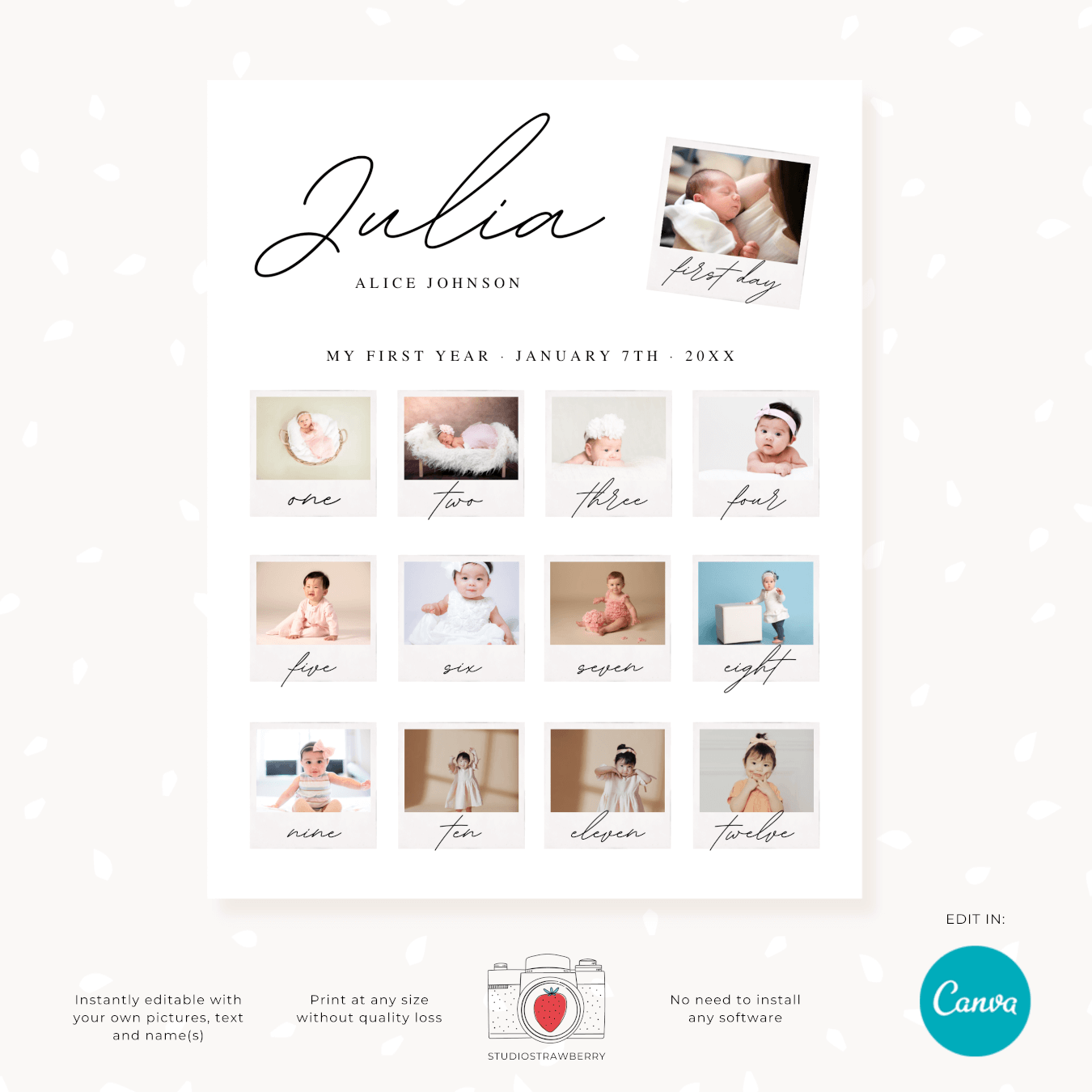
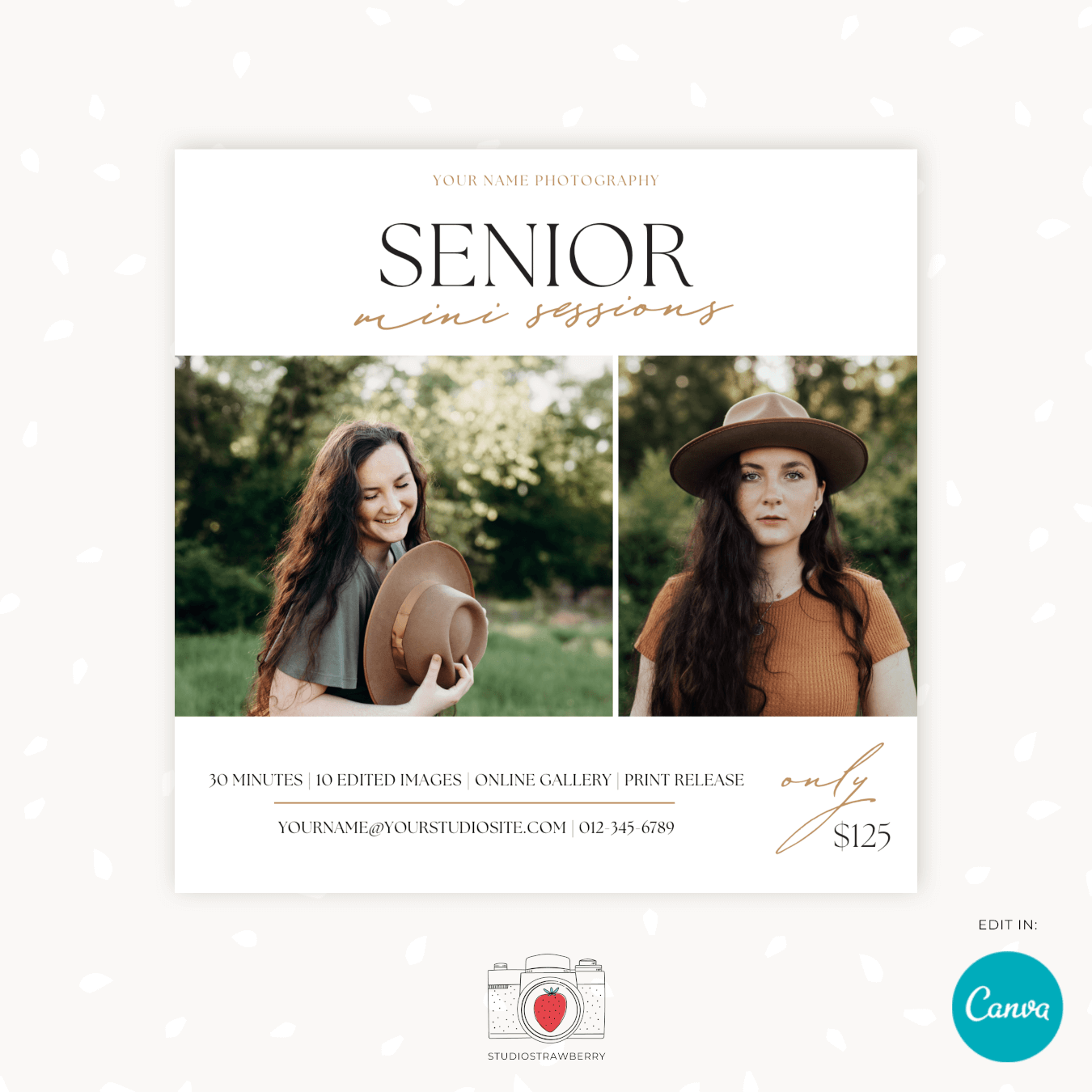
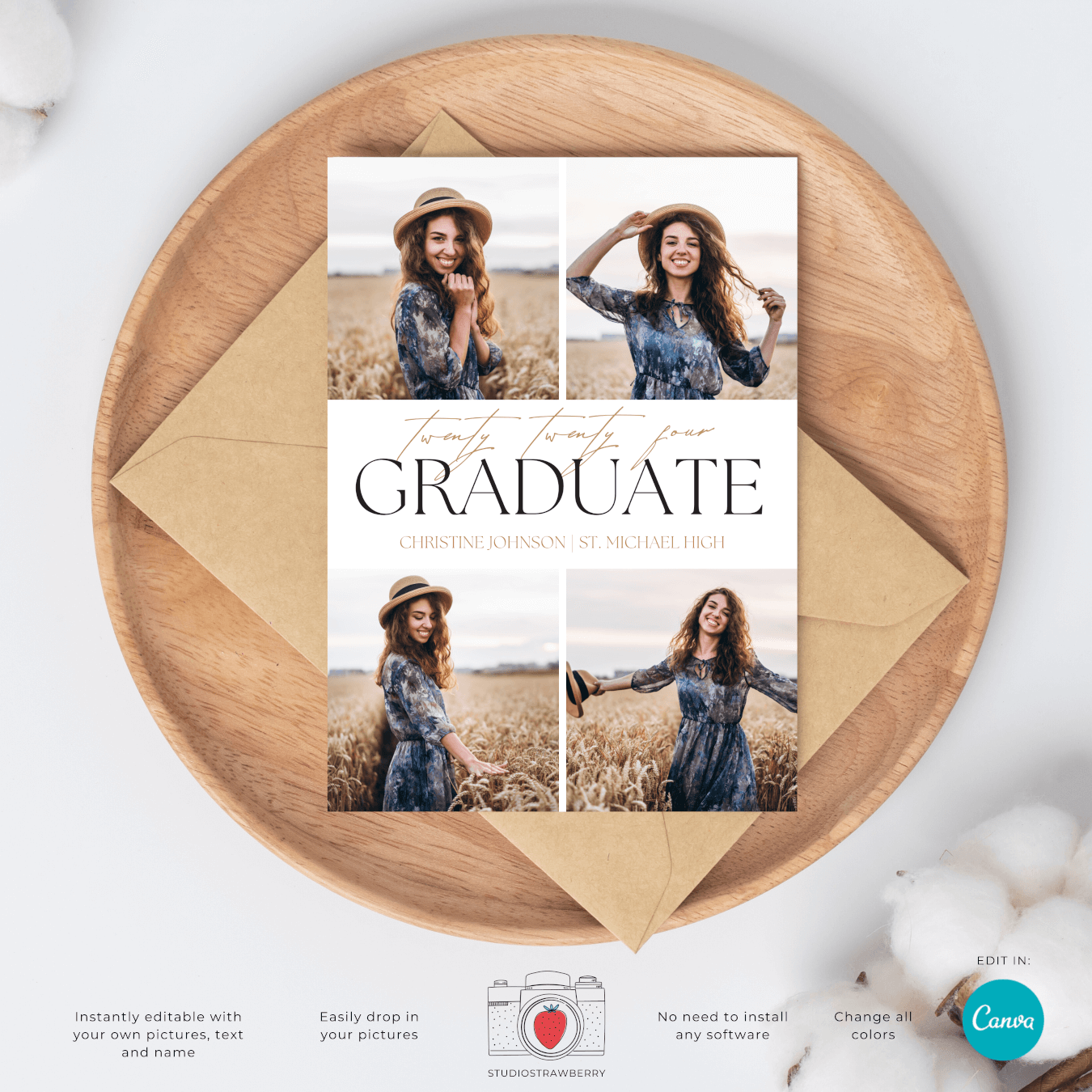
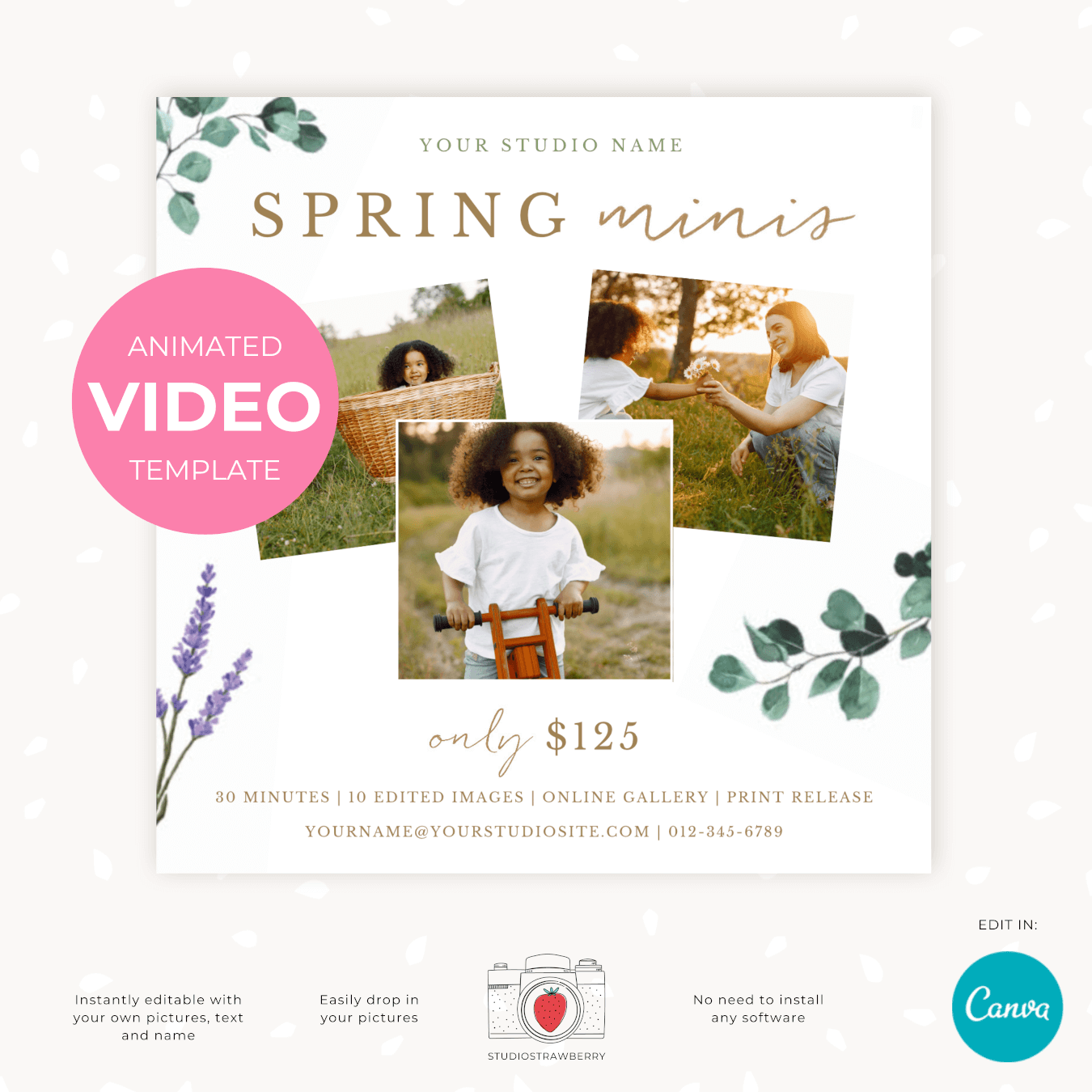
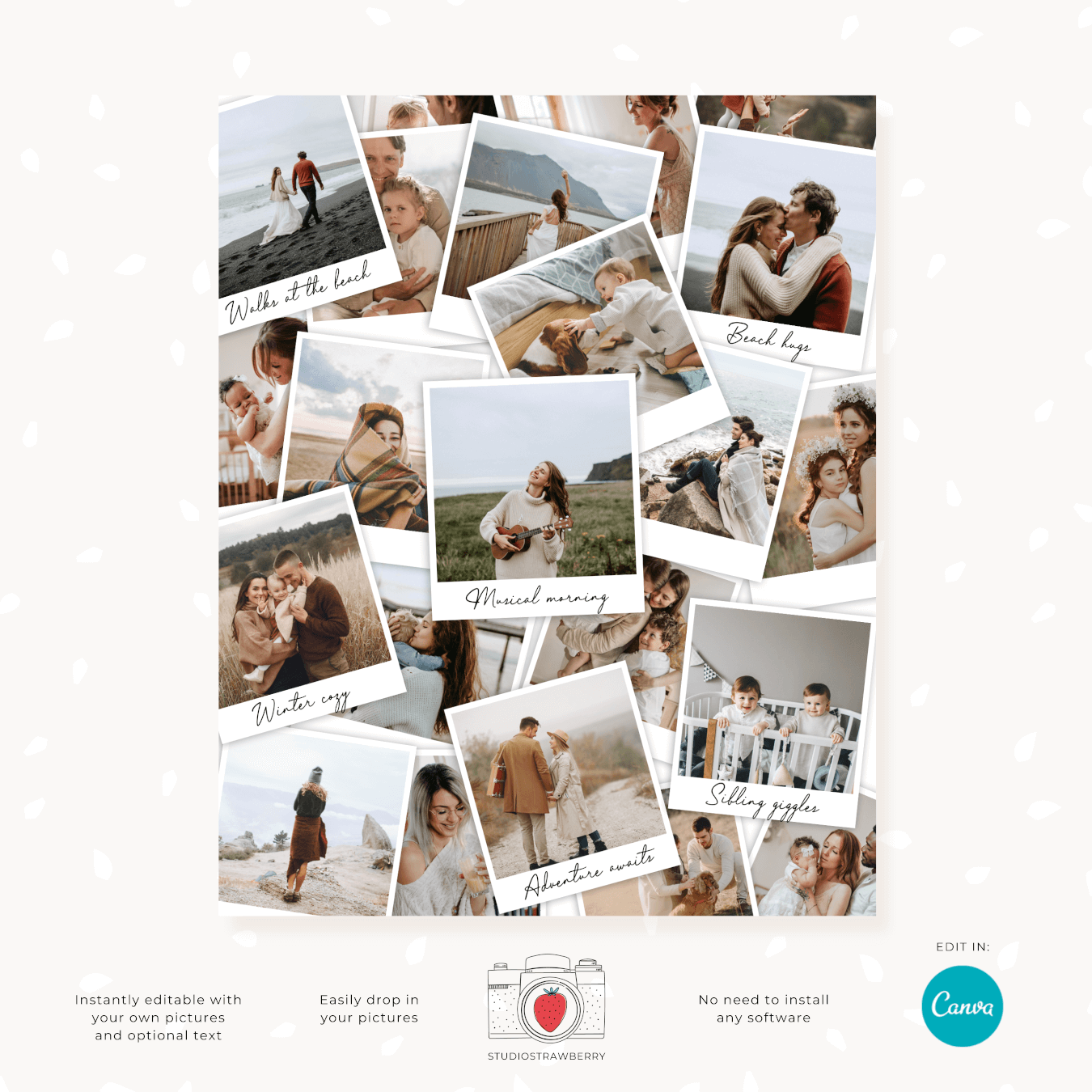
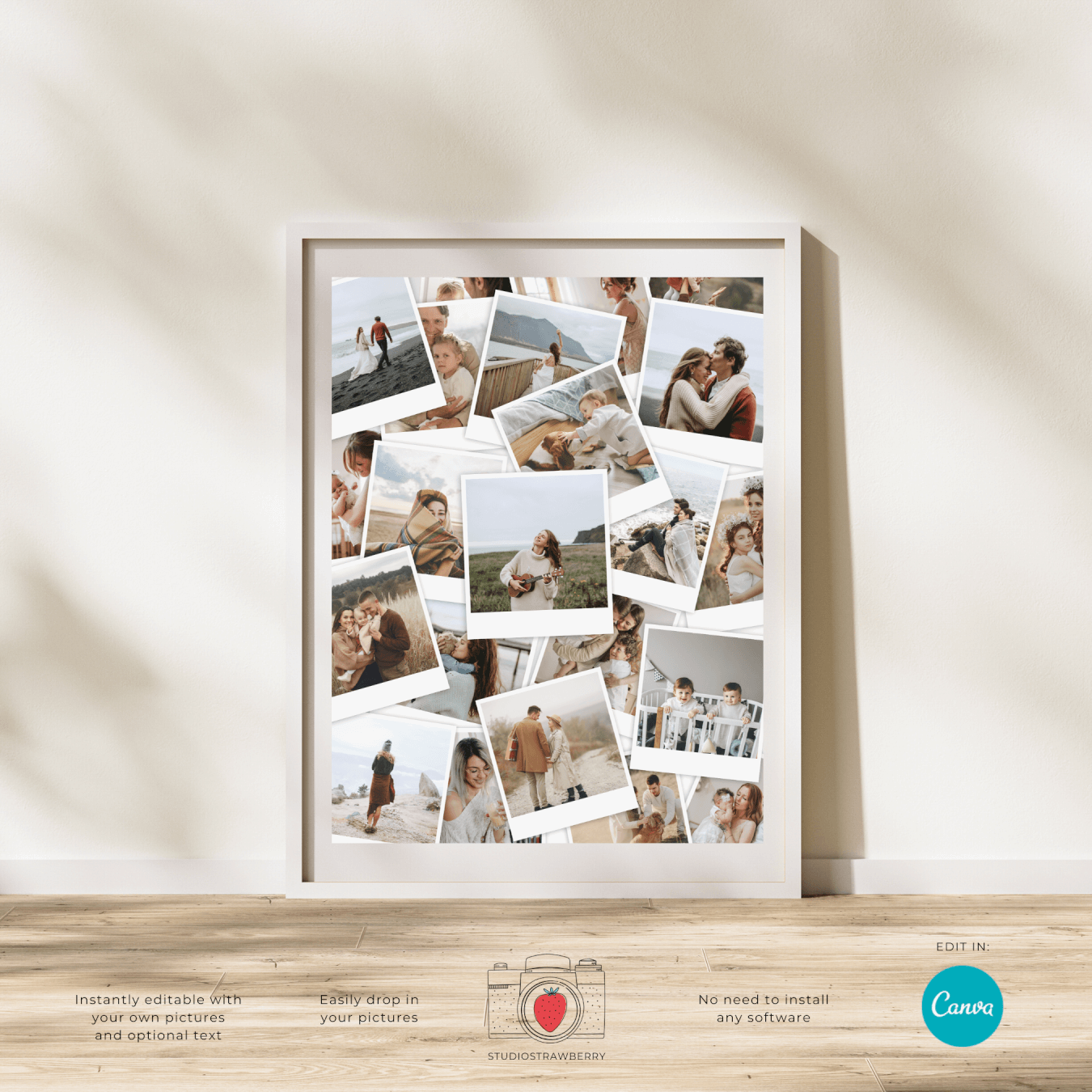
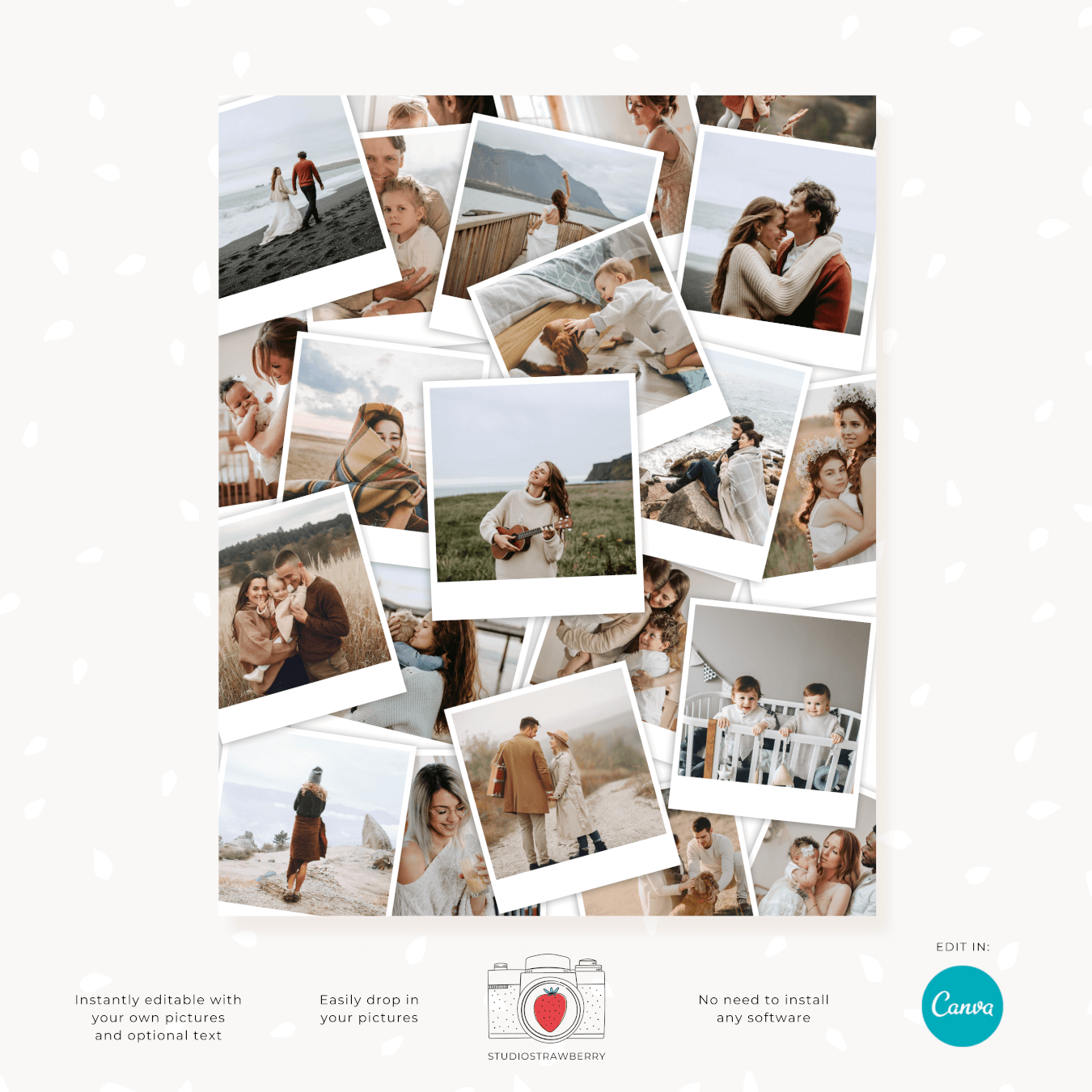
Create a modern stacked photo collage in minutes with this editable photo collage template. The design features layered, overlapping pictures inspired by classic polaroid prints, giving your collage depth and a natural, relaxed look.
The template measures 8×10 inches by default and is ready for high-quality printing. You can also resize it proportionally for larger prints while keeping a crisp appearance when using high resolution photos.
What This Is
This is a digital photo collage template that you edit online. No special software is required.
You’ll receive a link to open the design in Canva, which is a free online editor that works directly in your browser or in the free mobile app. You simply create a free account if you don’t already have one.
- No downloads or complex programs needed
- Works on desktop, tablet or phone
- Beginner-friendly editing
- Instant access after purchase
If you can drag and drop a photo, you can use this template.
Perfect For Graduation, Weddings & Milestone Moments
This stacked pictures photo collage template is ideal for meaningful events where you want to display multiple memories in one clean layout.
Great for:
- Graduation photo collage prints
- Wedding photo displays
- Engagement picture collages
- Holiday memory boards
- Valentine’s Day gifts
- Anniversary photo prints
- Birthday memory boards
The neutral stacked layout adapts easily to different themes and colors, making it suitable for both formal and casual occasions.
Why This Layout Looks So Good
Designing a photo collage from scratch can quickly become frustrating. Spacing feels off. Photos don’t align. The final result looks cluttered.
This template is already professionally arranged. The overlapping photo frames are balanced in size and placement, creating a visually pleasing stacked picture effect without looking messy.
You simply add your photos and the composition already works.
How Editing Works
Step 1: Open the Template
After purchase, you receive a link to access the design instantly. Click the link and open it in Canva.
Step 2: Add Your Photos
Drag and drop your images into the photo placeholders. Double-click to move, zoom or crop inside each frame until it looks just right.
Step 3: Edit Text (Optional)
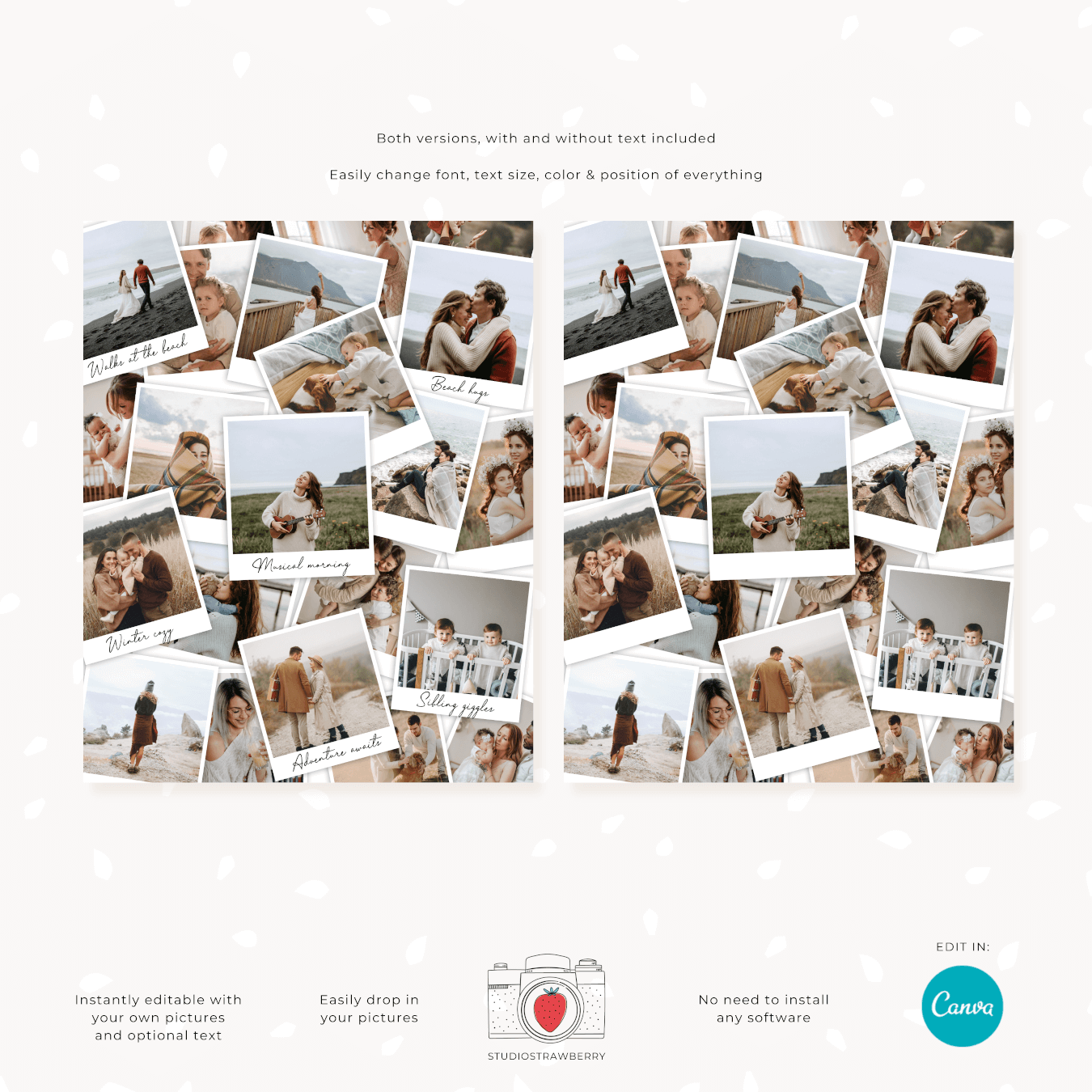
Two versions are included: one with editable text and one without text. Add names, dates or event titles if you’d like, or keep it clean and minimal.
Step 4: Download & Print
Download your finished collage as a high-quality PDF Print file and print at home or through a local or online print service.
The process is simple, even if you’ve never designed anything before.
Print Information
The template is set to 8×10 inches, a standard frame size that’s easy to print and display.
You can scale the design proportionally for larger poster sizes such as:
- 11×14 inches
- 16×20 inches
- 18×24 inches
- 24×36 inches
For best results:
- Use high resolution images
- Download as PDF Print
- Select high quality printing settings
When printed with clear images, the stacked photo collage keeps sharp edges and a clean, professional finish.
Practical Benefits
- Saves time compared to building a collage from scratch
- No graphic design experience needed
- Easy to update if you want to swap photos later
- Works for both framed prints and poster displays
- Instant digital access
If you’re looking for an easy stacked photo collage template that feels modern, prints beautifully and is simple to edit online, this layout offers a reliable and beginner-friendly solution.